
Creative Lads — Freecam
A cinematic freecam for FiveM with timecycle filters, named camera presets, distance limits, and a per-frame anti-exploit raycast that blacks out the view the moment the camera goes behind cover. Built for screenshot photography, content capture, and roleplay scenes — not for peeking through walls.
Hold-to-toggle activation, smooth WASD/RF movement with SHIFT/CTRL multipliers, scroll-zoom, mouse look, and a clean TAB filter picker. Every input is clamped, every limit is configurable, and every player-facing string lives in a locale file.
What It Does
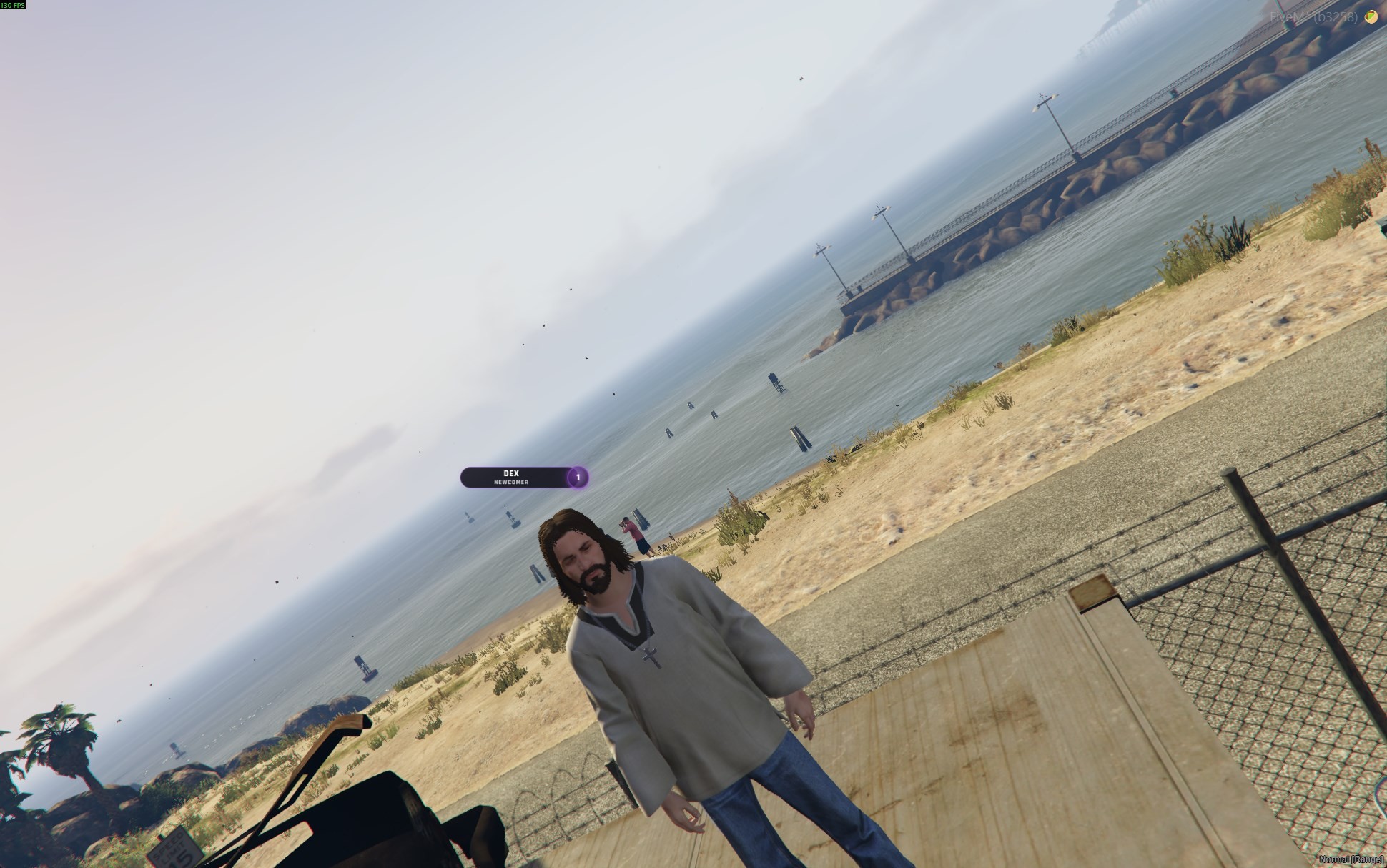
Creative Lads Freecam replaces the eternal "free spectate" disconnect-shaped hole in your server with a self-contained, predictable cinematic camera. Hold the activation key for half a second to enter; hold it again to exit. While active, the player's controls are locked, the HUD optionally hides itself, and an anti-wall raycast keeps the camera honest.
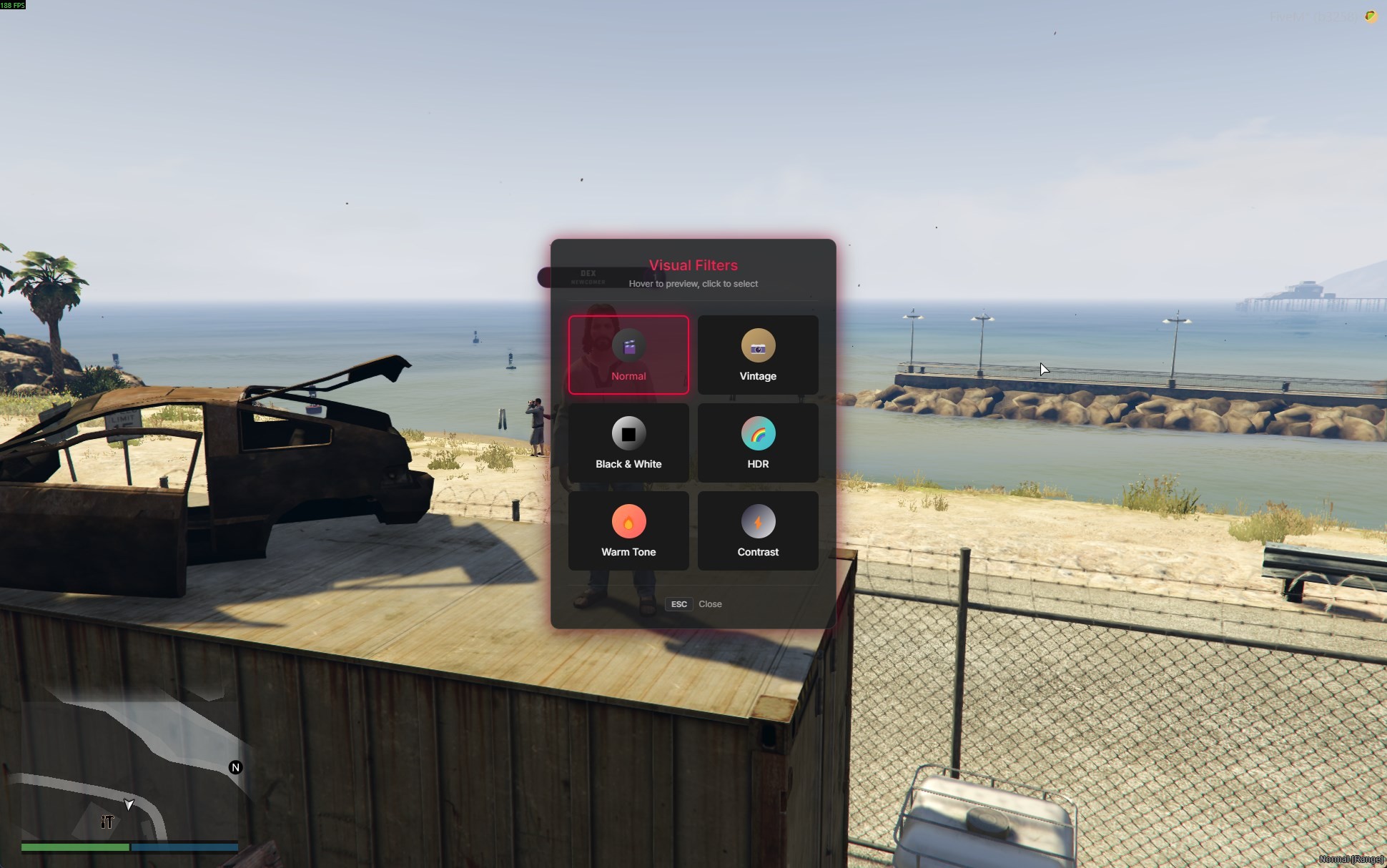
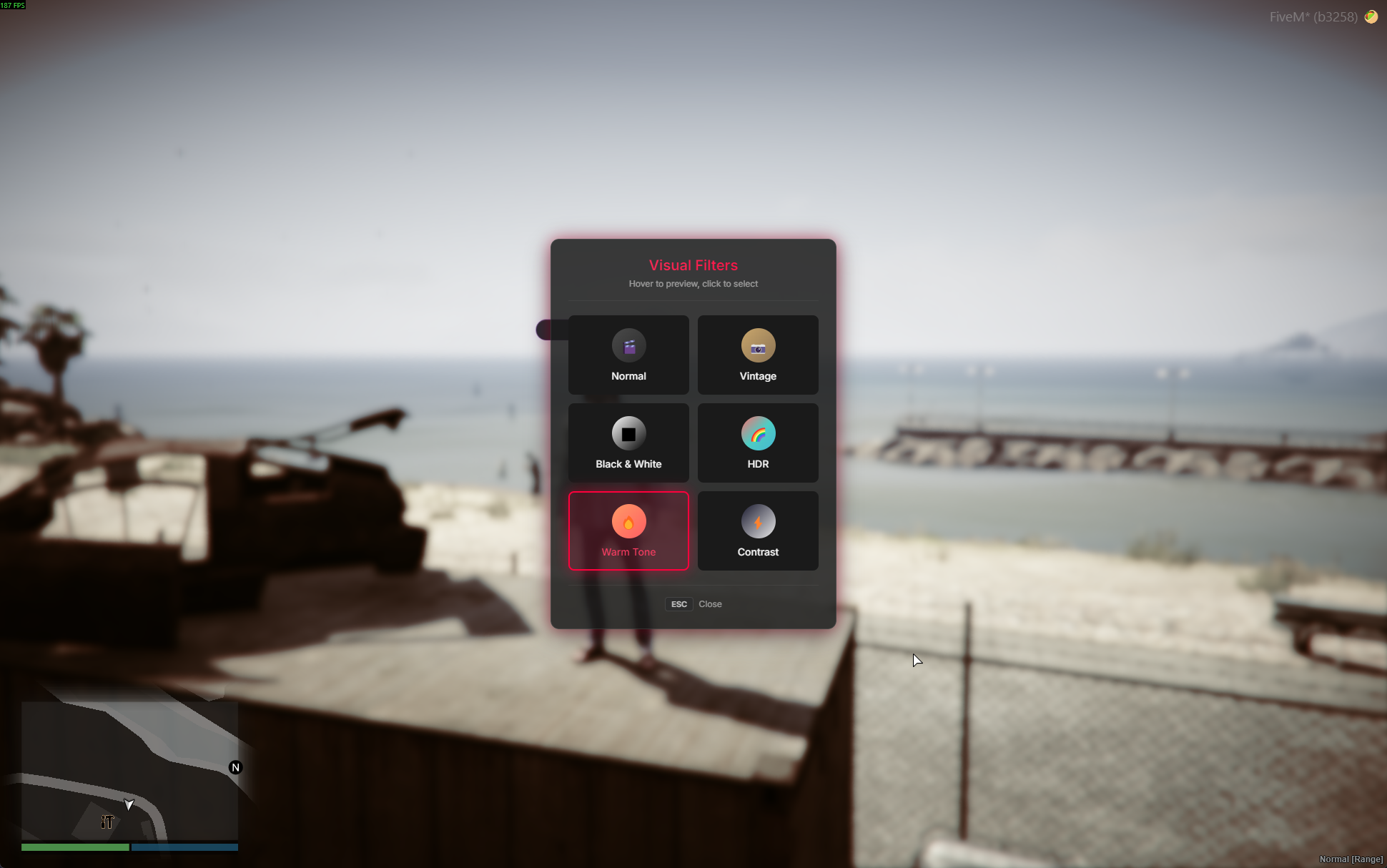
The TAB menu surfaces every visual filter with a live preview on hover — sepia, black-and-white, bloom, warm desaturation, dark cinematic, surveillance, night-vision, phone-cam, and any timecycle modifier you drop into the config. Camera presets cycle through named angles with smooth ease-out cubic transitions.
Core Features
- Hold-to-toggle activation (default
V, configurable hold duration) - WASD movement with
SHIFTfast-move andCTRLslow-move multipliers - R / F vertical lift with independent vertical-speed tuning
- Mouse look with pitch clamped to
+/-89, yaw wrap-around at 360 - Scroll-wheel zoom with min / max FOV clamps
- Q / E camera tilt (roll axis), clamped to
+/-45for a controlled cinematic feel - TAB filter menu with live-preview-on-hover and click-to-commit
- Configurable named camera presets (pitch / yaw / roll / FOV / distance / height) cycled via export
- Horizontal + vertical distance caps from the activation point with throttled notifications
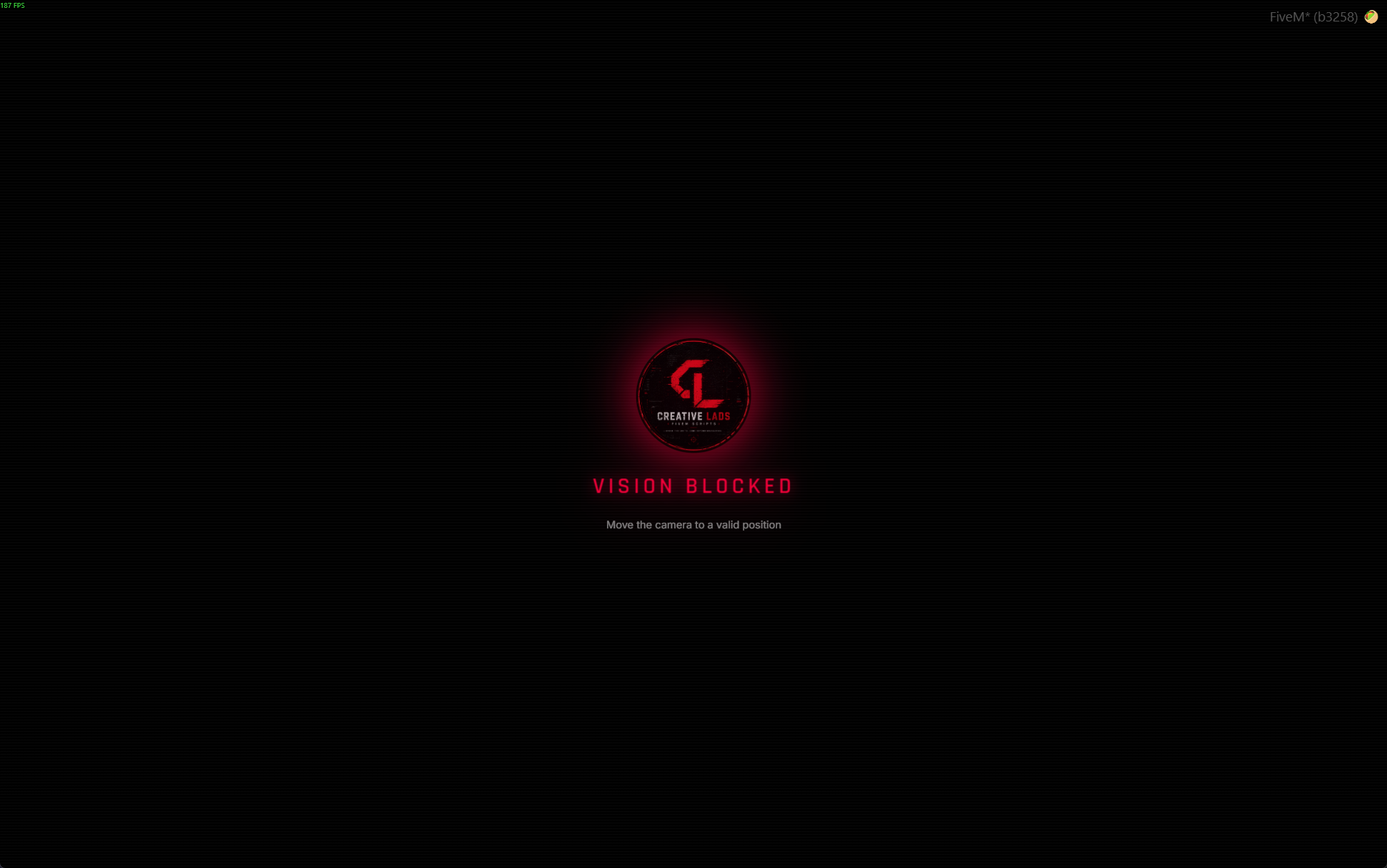
- Wall-detection blackout — per-frame raycast through configurable masks (world / objects / vehicles)
- Branded fullscreen blackout overlay with optional logo image and breathing glow animation
- Optional HUD integration in either export-mode or event-mode for any third-party HUD
- Default game controls blocked while active (no accidental sprint, weapon switch, vehicle entry)
- State bag flag
LocalPlayer.state.clads_freecamActivefor other resources to read - Auto-exits on death (listens to
LocalPlayer.state.isDead) - Themable UI through CSS custom properties on
:root - Multi-language — English, Turkish, German, French bundled, drop-in for new languages
Built To Last
Self-contained. Works on any FiveM server with a single dependency (ox_lib) for notifications. No SQL, no npm install, no rebuild — drop the resource into resources/ and ensure it.
- Lua 5.4,
fx_version 'cerulean' - Throttled per-frame raycast with configurable check interval
- Throttled notifications on distance-cap hits and wall blocks (no chat spam)
- Three client exports for external integration:
IsFreecamActive,EnableFreecam,DisableFreecam, plusCycleNextPreset - Open
config.lua— all keys, speeds, limits, presets, filters, and HUD-integration actions live there - Open
locale/<lang>.lua— player-facing strings only, no source needed
Why Creative Lads Freecam
Because a free-look camera should not be a one-line cheat tool. The whole point of a cinematic camera is to frame the scene, not to scout the next house through its walls. Distance caps, raycast blackout, and HUD integration are all built in — not bolted on later when somebody complains.
And because pressing V for half a second is faster than typing /freecam, opening a menu, and clicking a button.
Documentation & Support
Full documentation is published at creative-lads.gitbook.io — installation, every config option, every keybind, theme variables, exports, and troubleshooting.
Need help? Open a ticket in our Discord under the #support category. Include your Tebex transaction ID, resource version, server framework, and any F8 console errors. Tickets are answered within 24 hours, 7 days a week.
Delivery Method
This product is delivered automatically after purchase.
Once your order is completed, the asset will be granted to your account and a download link will be sent to your Tebex email address.
Make sure your email address is correct and accessible before completing your purchase.
Refund Policy
Per Tebex Terms of Service, digital goods are non-refundable once delivered. Open a pre-sales ticket on Discord if you have compatibility concerns — we'll confirm support for your stack before you claim.
Creative Lads — Break the limits. Code beyond boundaries.